How to Choose the Right Texture for Your Photography Style
Textures can completely transform a photograph, but only when they are chosen intentionally. The right texture enhances mood, depth, and storytelling. The wrong texture can distract, flatten an image, or weaken your brand identity.
This guide helps photographers understand how to choose texture overlays based on photography style, creative intent, and workflow so textures support the image rather than overpower it.
If you are new to textures or want a broader understanding of how they fit into professional editing workflows, start with our Textures for Photography Resource Guide.

Why Texture Choice Matters More Than Texture Quantity
One of the most common mistakes photographers make is collecting hundreds of textures without a clear plan for how or when to use them.
Texture overlays are not meant to be decorative add-ons. They influence how light, color, and depth are perceived in an image. When chosen well, textures add cohesion and intention. When chosen poorly, they compete with the subject.
Strong texture choices are subtle, purposeful, and aligned with the story the image is meant to tell.
Choosing Textures Based on Photography Style
Different photography genres benefit from different texture approaches. Understanding this helps you make faster, more confident editing decisions.
Portrait Photography
Portrait textures should support the subject without drawing attention to themselves.
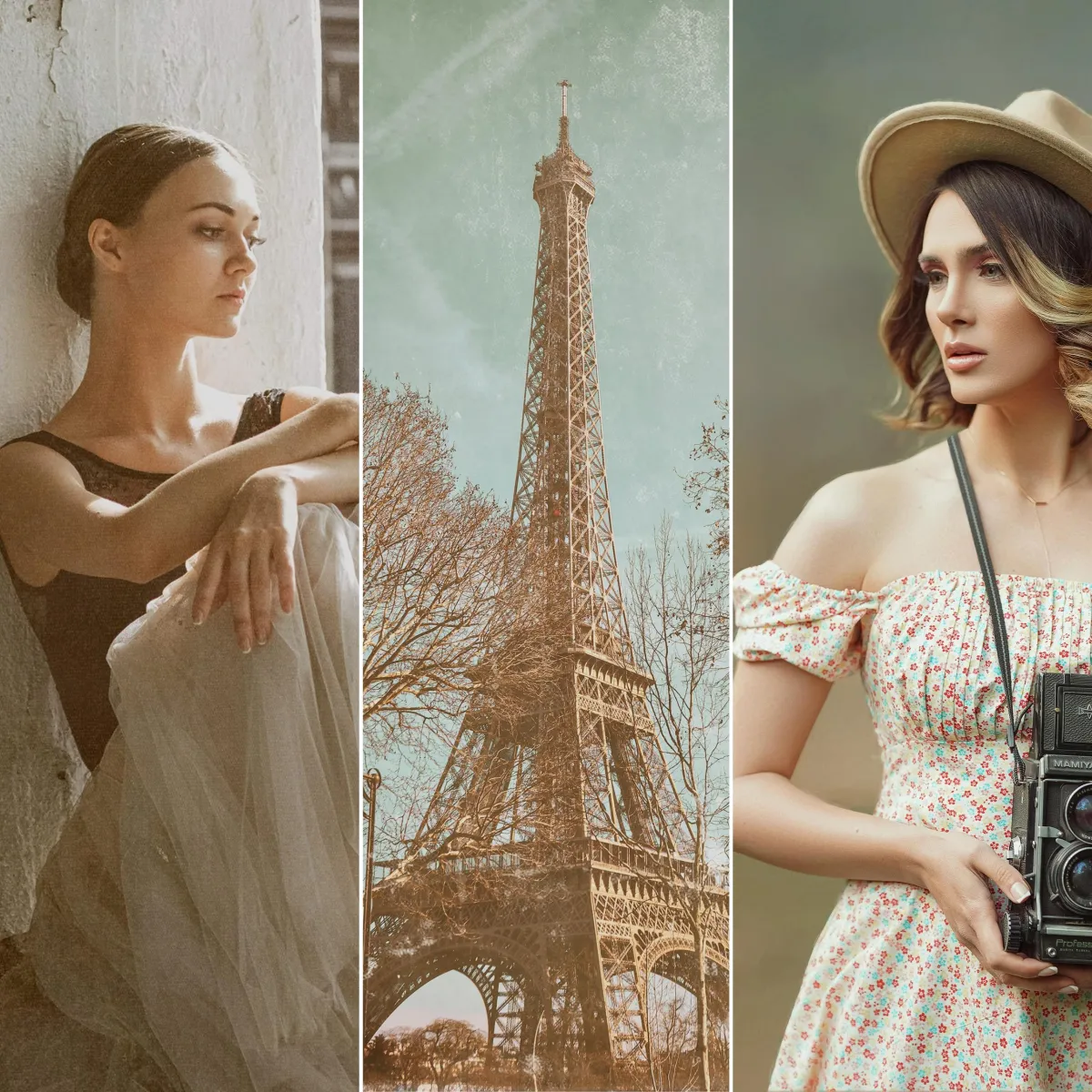
Best texture characteristics include soft grain, paper textures, light canvas effects, and subtle tonal overlays. These textures add depth while preserving skin tones and facial detail.
Avoid heavy grunge or high-contrast textures unless the portrait is intentionally editorial or conceptual.
For examples of texture use in portraits, see The Ultimate Guide to Using Textures in Photography.
Fine Art and Painterly Photography
Fine art photography benefits from textures that mimic traditional materials such as canvas, brush strokes, aged paper, and painted surfaces.
Painterly textures soften digital sharpness and help photographs feel handcrafted. These textures often work best when combined with painterly digital backgrounds and intentional color grading.
If you are creating Old Masters inspired or gallery-style work, textures should enhance mood and atmosphere rather than realism.
Choosing Colors That Support the Subject
For deeper exploration, see Creating Painterly Fine Art Portraits Like the Old Masters.
Wedding and Lifestyle Photography
Wedding and lifestyle textures work best when they are barely visible but emotionally impactful.
Soft film grain, light haze, warm paper textures, and gentle tonal overlays enhance romance and nostalgia without distracting from candid moments.
These textures are often used globally across an image to unify color and lighting rather than applied selectively.
Editorial and Creative Photography
Editorial photography allows for more dramatic texture choices.
Grunge textures, distressed overlays, bold painterly strokes, and layered effects can add visual interest and storytelling impact. In these cases, textures become part of the concept rather than a finishing touch.
Intentional exaggeration works here, but consistency across a series is essential.

Choosing Textures Based on Mood and Intent
Beyond genre, textures should align with the emotional tone of the image.
Soft textures support calm, intimate, and elegant imagery.
Painterly textures evoke artistry and timelessness.
Dark and moody textures enhance drama and depth.
Vintage textures suggest nostalgia and history.
Before applying a texture, ask what the image is meant to feel like. Texture should reinforce that emotion rather than contradict it.
How Texture Choice Impacts Branding and Consistency
Textures play a major role in how a photographer’s brand is perceived.
Using the same few texture styles consistently across galleries helps create a recognizable visual identity. Random or inconsistent texture use can make a portfolio feel unfocused.
This is especially important for photographers working with personal brands, creative professionals, or fine art collectors where consistency builds trust.
For photographers refining their brand visuals, pairing intentional texture use with a cohesive brand strategy is key.
When to Use Curated Texture Collections
Many photographers struggle not because they lack textures, but because they lack cohesive, high-quality options.
Curated texture collections eliminate trial and error by providing textures designed to work together across lighting conditions, genres, and workflows.
If you want reliable, professional results without endless experimentation, using a curated collection makes a noticeable difference.
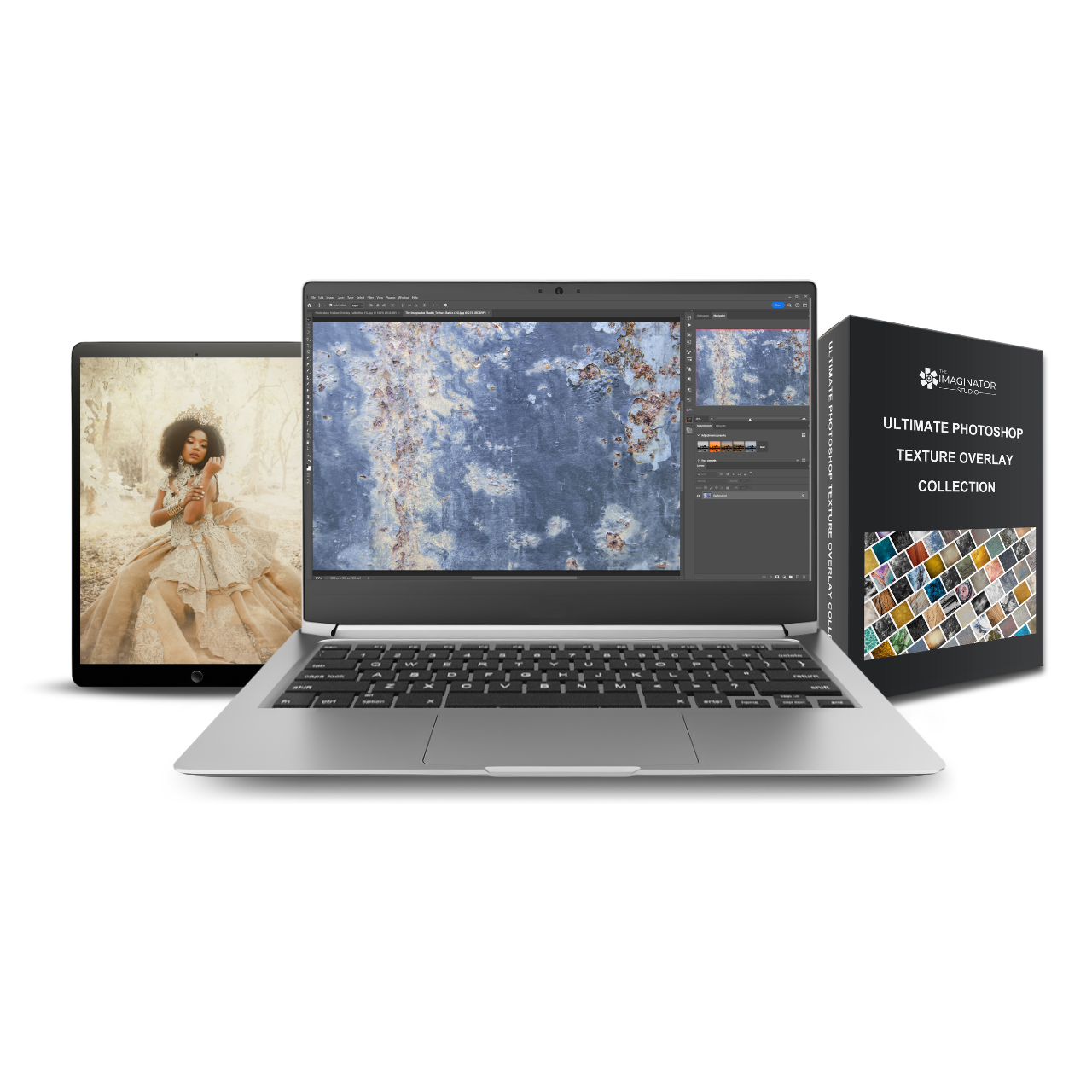
The Ultimate Photoshop Texture Overlay Collection was created specifically for photographers who want flexible, professional textures that work across portrait, fine art, and creative editing styles.
Learning to Use Textures with Confidence
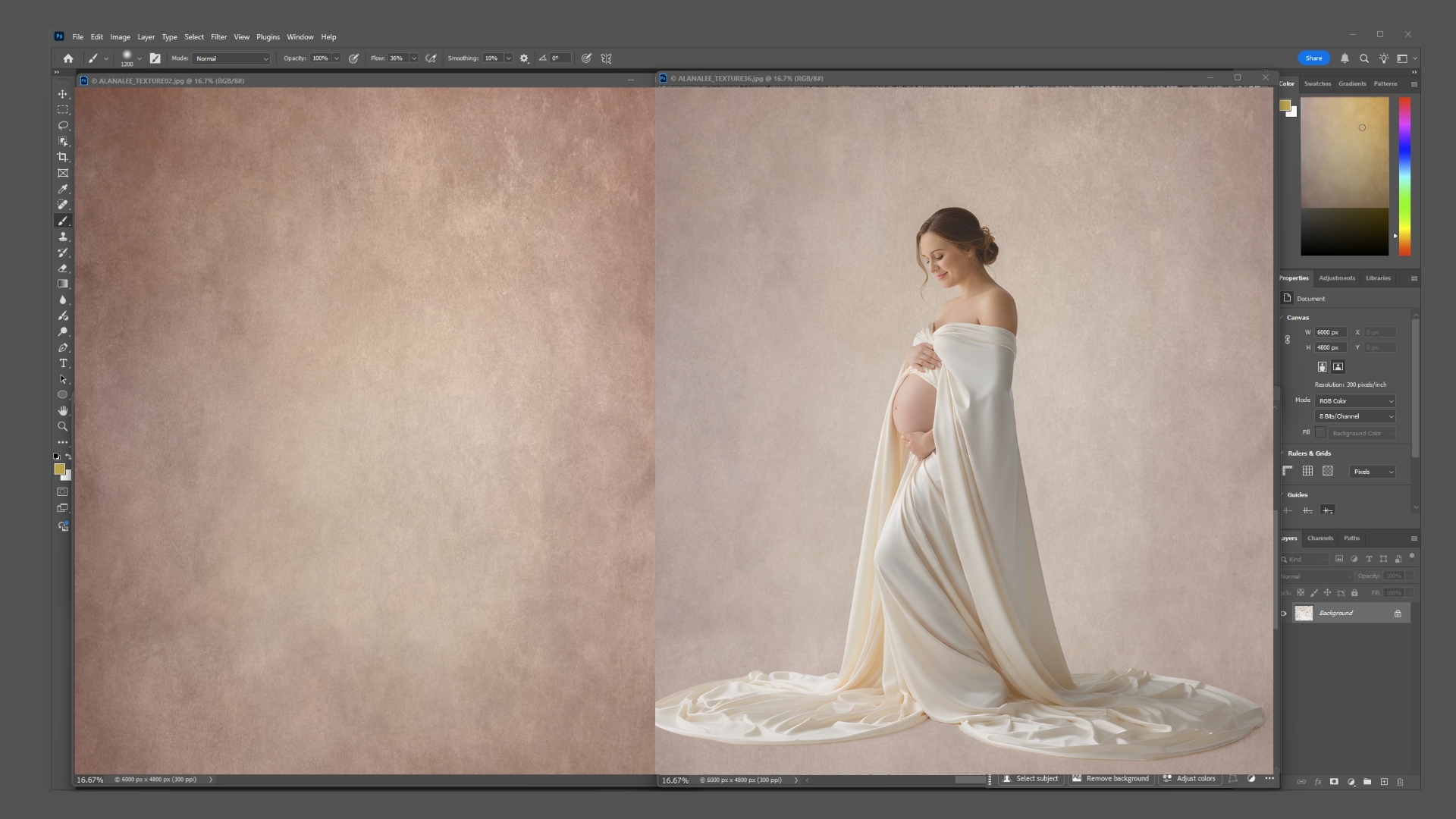
Choosing the right texture is only part of the process. Knowing how to blend, mask, and color grade textures determines whether the final image feels polished or artificial.
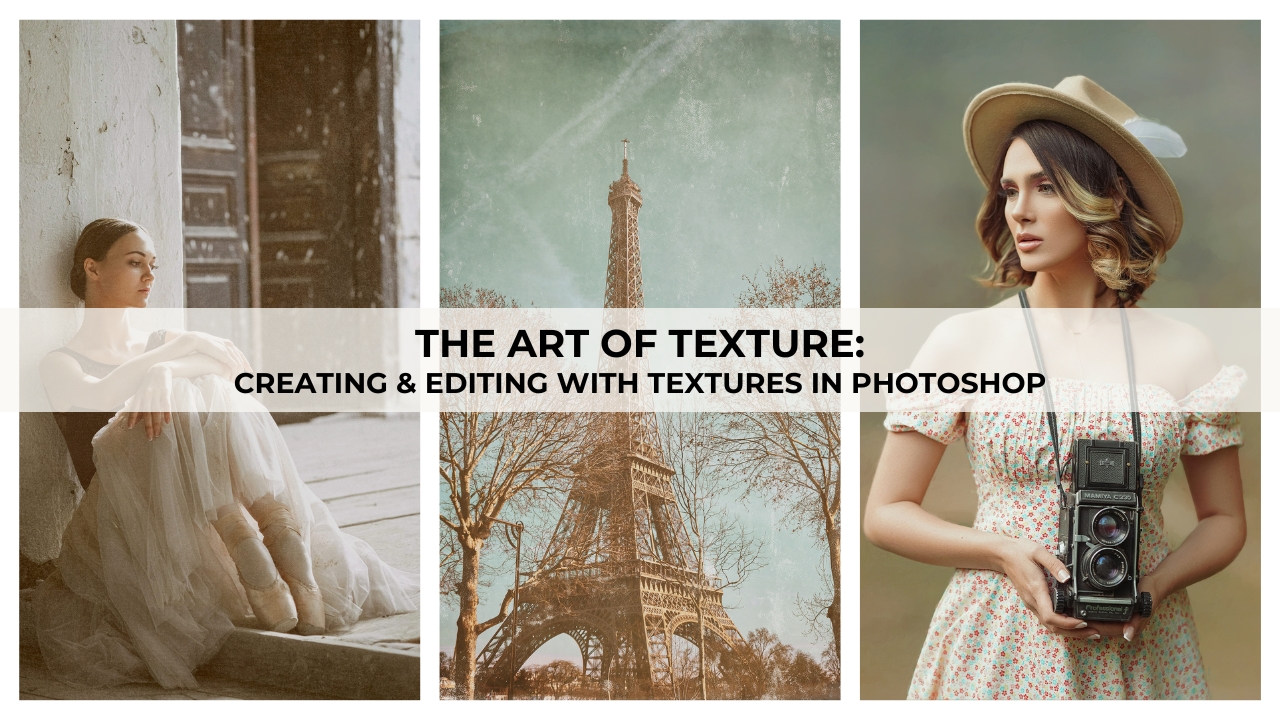
If you want step-by-step instruction on creating, selecting, and applying textures intentionally, The Art of Texture: Creating and Editing with Textures in Photoshop teaches a complete fine art texture workflow used in professional practice.
Textures are one of the most powerful tools available to photographers, but only when used with purpose.
By choosing textures based on photography style, mood, and brand identity, photographers can elevate their work while maintaining consistency and professionalism.
Start with intention, keep your texture library focused, and let textures support the story your images are meant to tell.
Frequently Asked Questions About Choosing Texture Overlays for Photography
How do I know which texture overlay works best for my photography style?
The best texture overlay supports your subject, mood, and overall visual style. Portrait photographers often benefit from subtle paper or canvas textures, while fine art photographers may prefer painterly or aged textures. Editorial and creative photographers can experiment with bolder grunge or abstract overlays. The key is choosing textures that enhance the image without distracting from the subject.
Should I use different textures for portraits and fine art photography?
Yes. Portrait photography typically requires softer textures that preserve skin tones and facial detail, while fine art photography often benefits from painterly, canvas, or aged paper textures that add depth and atmosphere. Choosing textures based on genre helps maintain consistency and professionalism.
Can texture overlays be used subtly, or do they always create dramatic effects?
Texture overlays can be used very subtly. Lower opacity, gentle blend modes, and careful masking allow textures to add depth and cohesion without being visually obvious. Many professional photographers use textures primarily for tonal unification rather than visible surface detail.
How many textures should I use on a single image?
In most cases, one well-chosen texture is enough. Some advanced workflows layer multiple textures, but this should be done intentionally. Overusing textures can make an image feel cluttered or artificial. Simplicity usually produces the strongest results.
Do textures affect the consistency of my photography brand?
Yes. Repeating the same texture styles across your work helps establish a recognizable visual identity. Random or inconsistent texture use can make a portfolio feel unfocused. Many photographers limit themselves to a small, curated texture set to maintain brand consistency.
Are curated texture collections better than free textures?
Curated texture collections are designed to work cohesively across different lighting conditions and photography styles. While free textures can be useful for experimentation, professional collections save time and reduce trial and error by offering consistent quality and resolution.
Do I need advanced Photoshop skills to use texture overlays effectively?
Basic knowledge of layers, blend modes, and masks is enough to get started. Advanced techniques allow for more control, but most photographers can achieve professional results with simple adjustments and intentional texture choices.
Can texture overlays be used for client work and commercial photography?
Yes, as long as the textures are licensed for commercial use. Many photographers use texture overlays in client work to increase perceived value, create fine art finishes, and differentiate their services.
Where can I learn more about using textures professionally?
For a complete understanding of texture workflows, including creating your own textures and blending them seamlessly, photographers can explore structured training such as The Art of Texture: Creating and Editing with Textures in Photoshop.