
Photoshop Texture Overlays for Photographers
How photographers add depth, mood, and painterly style without over-editing their images
Modern photography editing no longer relies solely on clean retouching or global adjustments. Today, photographers use Photoshop texture overlays to add depth, emotion, and artistic character to their images while maintaining full creative control in post-production.
This resource explains what Photoshop texture overlays are, why photographers use them, and how they fit into professional editing workflows for portrait, wedding, fine art, still life, and creative photography.

What Are Photoshop Texture Overlays?
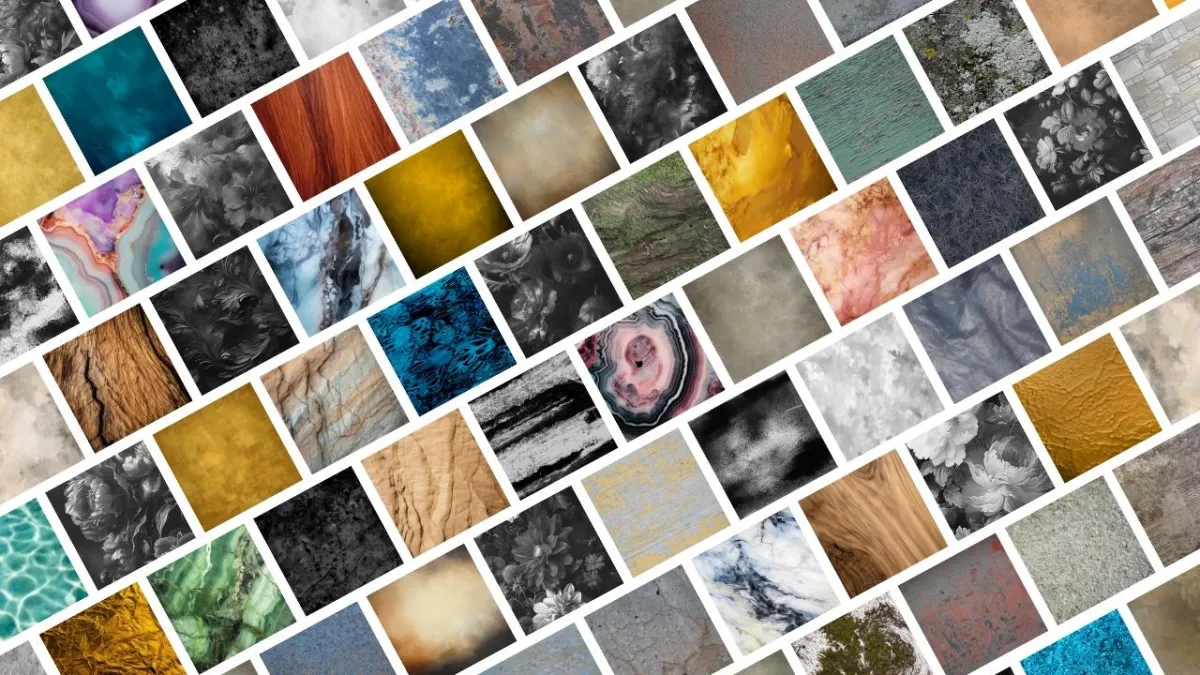
Photoshop texture overlays are high-resolution image files designed to be layered over photographs during post-production to enhance depth, surface detail, and mood.
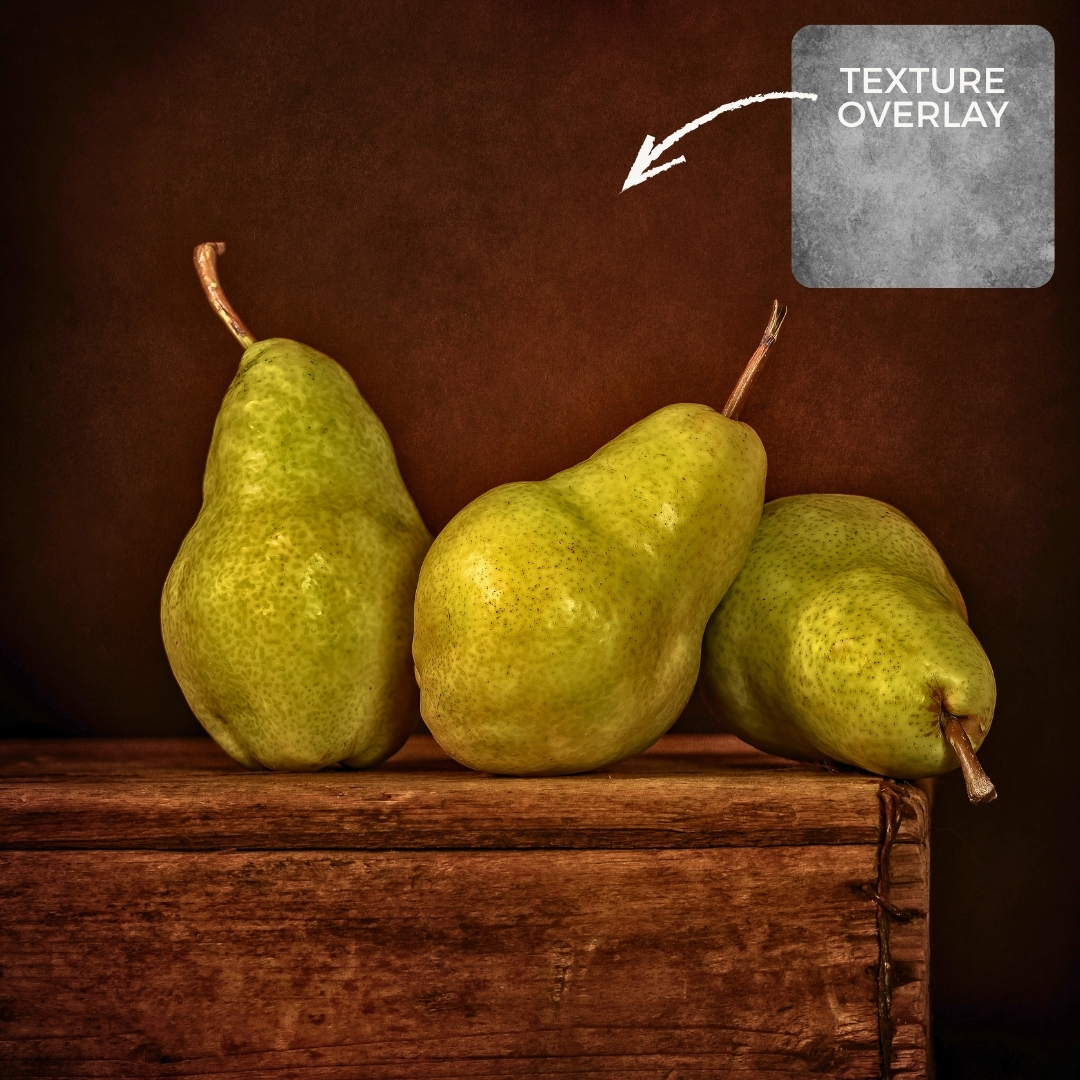
Most photographers apply texture overlays using blend modes, opacity adjustments, and layer masks in Photoshop or similar editing software. This allows textures to be applied selectively and subtly, supporting the image rather than overpowering it.
Unlike presets or filters, texture overlays offer precise creative control. Photographers can introduce painterly effects, canvas texture, grain, paper detail, or atmospheric elements while preserving the integrity of the original photograph.
Why Photographers Use Texture Overlays
Creative Benefits
Add depth and dimension to flat or minimal images
Create mood and atmosphere without changing lighting
Create mood and atmosphere without changing lighting
Enhance backgrounds without distracting from the subject
Develop a recognizable editing style
Business Benefits
Elevate images without increasing shoot time
Maintain consistency across galleries and collections
Offer premium edits without additional sessions
Expand creative offerings without reshooting
Texture overlays allow photographers to add polish, emotion, and artistic value without complicating their workflow.
Who Photoshop Texture Overlays Are Best For
Texture overlays are especially effective for photographers working in:
Portrait photography
Wedding photography
Fine art and painterly photography
Still life and editorial work
Creative and conceptual projects
Photographers can use textures subtly for professional portrait work or more expressively for fine art and painterly styles, depending on their creative goals.
Clean Edits vs. Painterly Edits: A Flexible Creative Tool
Texture overlays support both clean, modern edits and expressive, painterly results.
Some photographers use textures so subtly they are barely noticeable, adding cohesion and depth without changing the overall look. Others embrace textures as a defining artistic element, transforming photographs into painterly fine art portraits.
Because textures are applied non-destructively, photographers can adapt their approach per image, client, or collection while maintaining full creative freedom.
What Makes a High-Quality Texture Overlay
Not all textures produce professional results. Quality matters. High-quality texture overlays should:
Be high resolution and suitable for modern cameras
Blend naturally using common Photoshop blend modes
Offer subtle tonal variation without harsh patterns
Work across multiple photography genres
Support both subtle and painterly editing styles
Low-quality or overly aggressive textures can flatten images or distract from the subject. Professionally designed texture overlays enhance images while preserving realism and artistic intent.
How Texture Overlays Fit Into Editing Workflows
Photographers typically use one of two workflows when editing with texture overlays.
Photoshop Workflow
Place the texture layer above the image
Adjust opacity for subtlety
Use layer masks to control placement
Use layer masks to control placement
Layered Creative Workflow
Stack multiple textures for depth
Mask selectively for painterly effects
Mask selectively for painterly effects
Fine-tune edges and transitions
The key is starting with texture overlays designed specifically for photography, not generic graphic textures. The Art of Texture course outlines where to source good quality textures to use in Photoshop, as well as how to create your own textures to use in your editing workflow.
A Professional Texture Collection Designed for Photographers
If you want consistent, professional results, using a curated texture collection makes a significant difference.
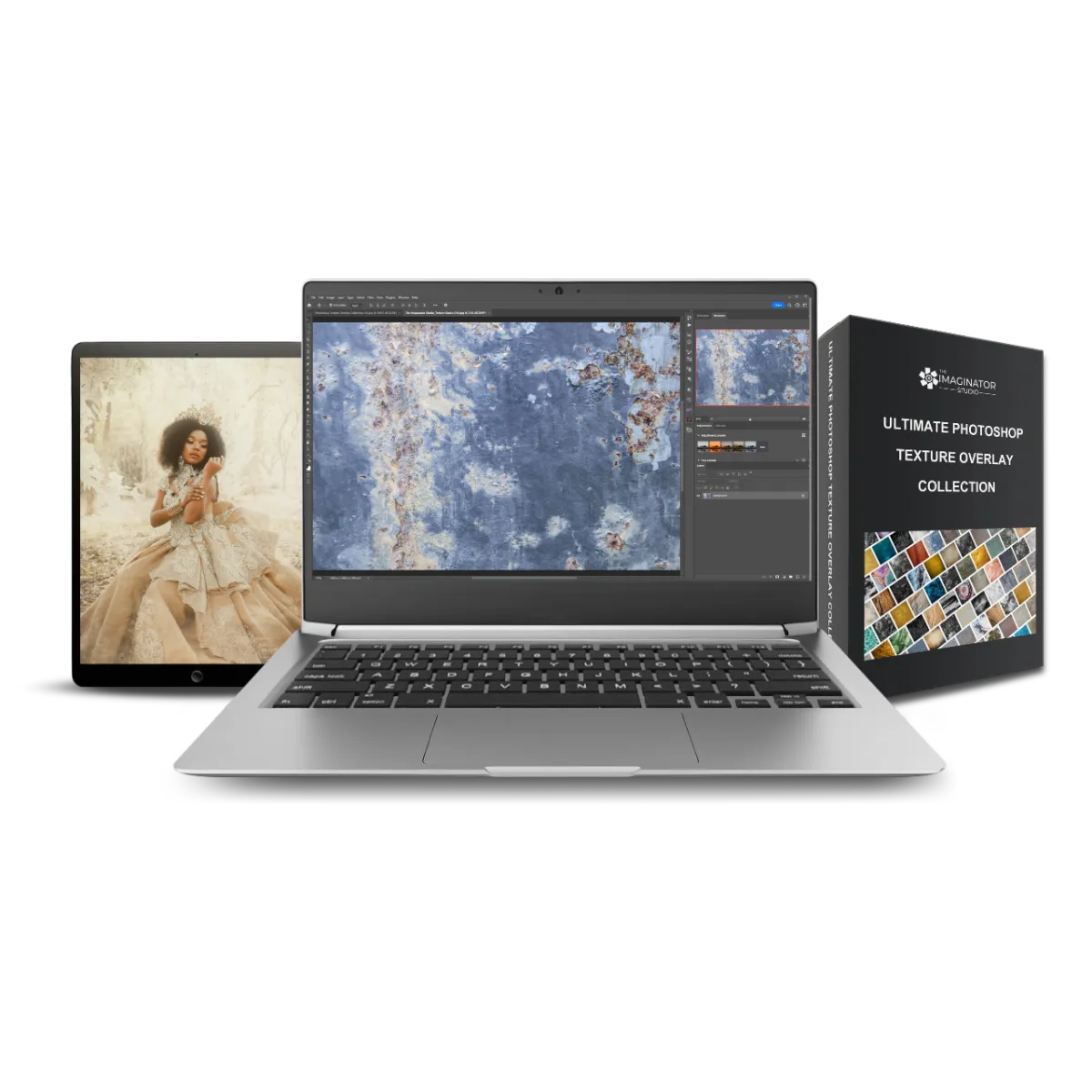
The Ultimate Photoshop Texture Overlay Collection was created specifically for photographers who want:
Creative flexibility
Subtle or painterly texture options
Professional-grade resolution
Professional-grade resolution
The collection includes a wide range of painterly, canvas, paper, fabric, and atmospheric textures suitable for portrait, wedding, fine art, and creative photography.
Learn More About Editing with Texture Overlays
If you want step-by-step guidance, workflows, and real-world examples, these resources expand on the techniques covered here:
These articles help photographers move from experimentation to a repeatable, professional system.
Frequently Asked Questions About Photoshop Texture Overlays
Are texture overlays only for fine art photography?
No. Texture overlays are used across many photography genres, including portraits, weddings, still life, and editorial work.
Do texture overlays work for portraits?
Yes. When used subtly, textures enhance depth and mood without distracting from the subject.
What software supports texture overlays?
Any editing software that supports layers and blend modes can be used, including Photoshop and similar programs.
Do textures need to be obvious to be effective?
Not at all. Many professional edits use textures so subtly that viewers feel the effect without noticing the texture itself.
Join Our Photography Newsletter
Be the first to know about new arrivals, sales, exclusive offers, and special events.

Follow Us
Follow Us
We are proud to help inspire creativity and imagination all around the world!
Featured Links
More
Contact Us
© Copyright 2026. The Imaginator Studio. All rights reserved.