
Photoshop Texture Overlays for Professional Photo Editing
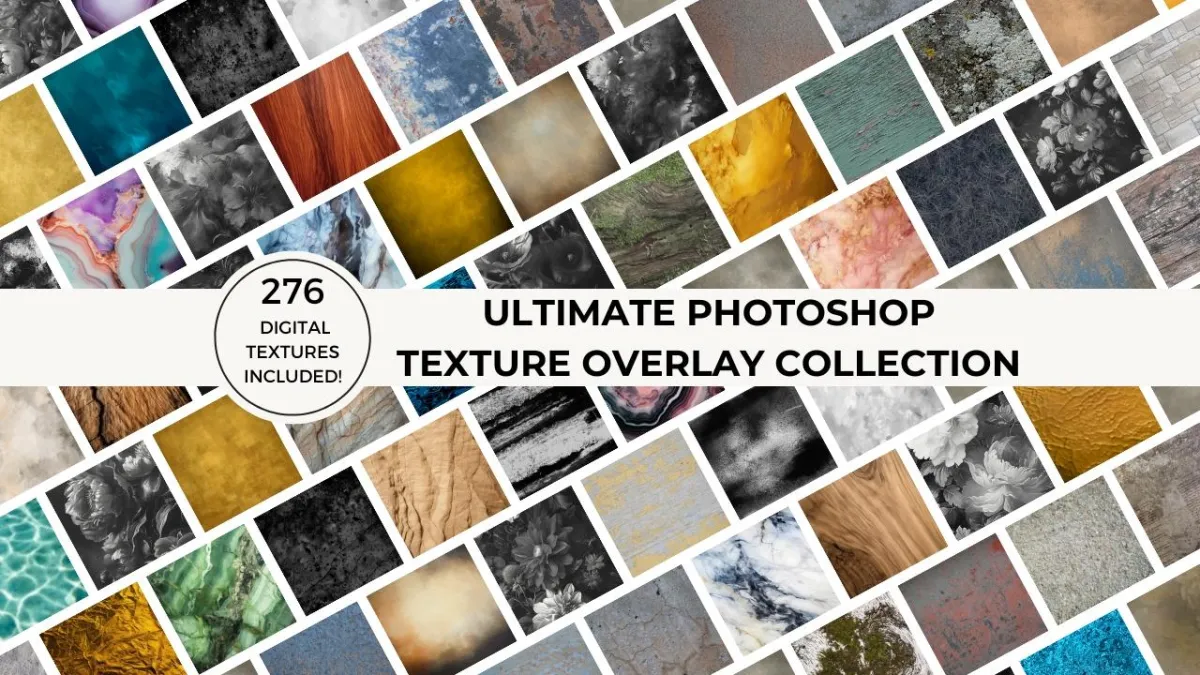
Add depth, mood, and fine-art texture to your images using high-resolution Photoshop overlays designed for photographers.
The Ultimate Photoshop Texture Overlay Collection gives photographers a powerful way to transform flat or uninspired images into textured, artistic photographs. Designed for Photoshop workflows, these overlays help you add depth, atmosphere, and fine-art character to portraits, still life, landscapes, and creative projects—without complicated techniques or slow editing processes.
Why photographers use Photoshop texture overlays
Add depth and visual interest to flat images
Create fine-art, painterly, or vintage looks
Enhance backgrounds without reshooting
Maintain creative consistency across projects
Expand your artistic style without complex edit
Whether you're working on fine art, portraits, landscape, still life or urban photography, textures add depth and intrigue to your images. Find inspiration for creative ways to use texture overlays on our blog.
Don’t let creative blocks hold you back. Our textures inspire your creativity and elevate your photography so you can create images that captivate and impress.
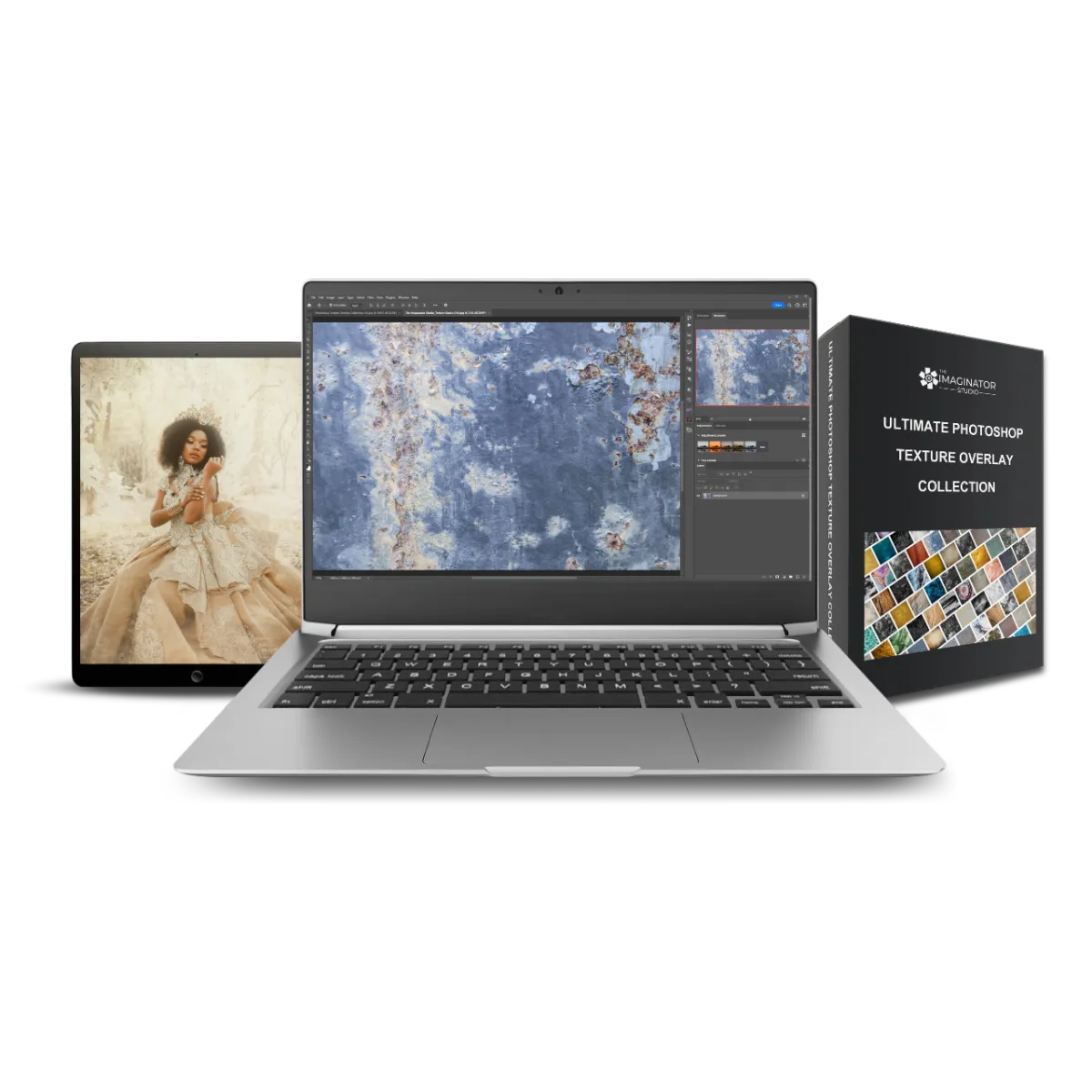
What’s included in the Photoshop Texture Overlay Collection:
276 different digital backgrounds, with a mix of painterly, canvas, paper, grunge, fabric, and natural textures
6000 pixels on long edge
300 DPI high resolution JPG files
A mix of horizontal and landscape orientation
Compatible with modern camera resolutions
Lifetime access
Step-by-step Photoshop video tutorial
14 day money back guarantee
Compatible with: Photoshop, Photoshop Elements, Affinity Photo, Luminar, ON1 and any software that supports layers and blend modes. You can even use these textures as digital backgrounds using the background replacement tool in Evoto!
This digital product is delivered by email with a link to access your files and the how-to-use tutorial once your payment clears. No physical product will be shipped.
Please note: Some textures included in this collection are generated using AI technology or digitally painted with the use of creative software.
Digital texture overlays help you transform images in Photoshop with just a few clicks, giving your clients unique looks and creative variety at a cost-effective price.
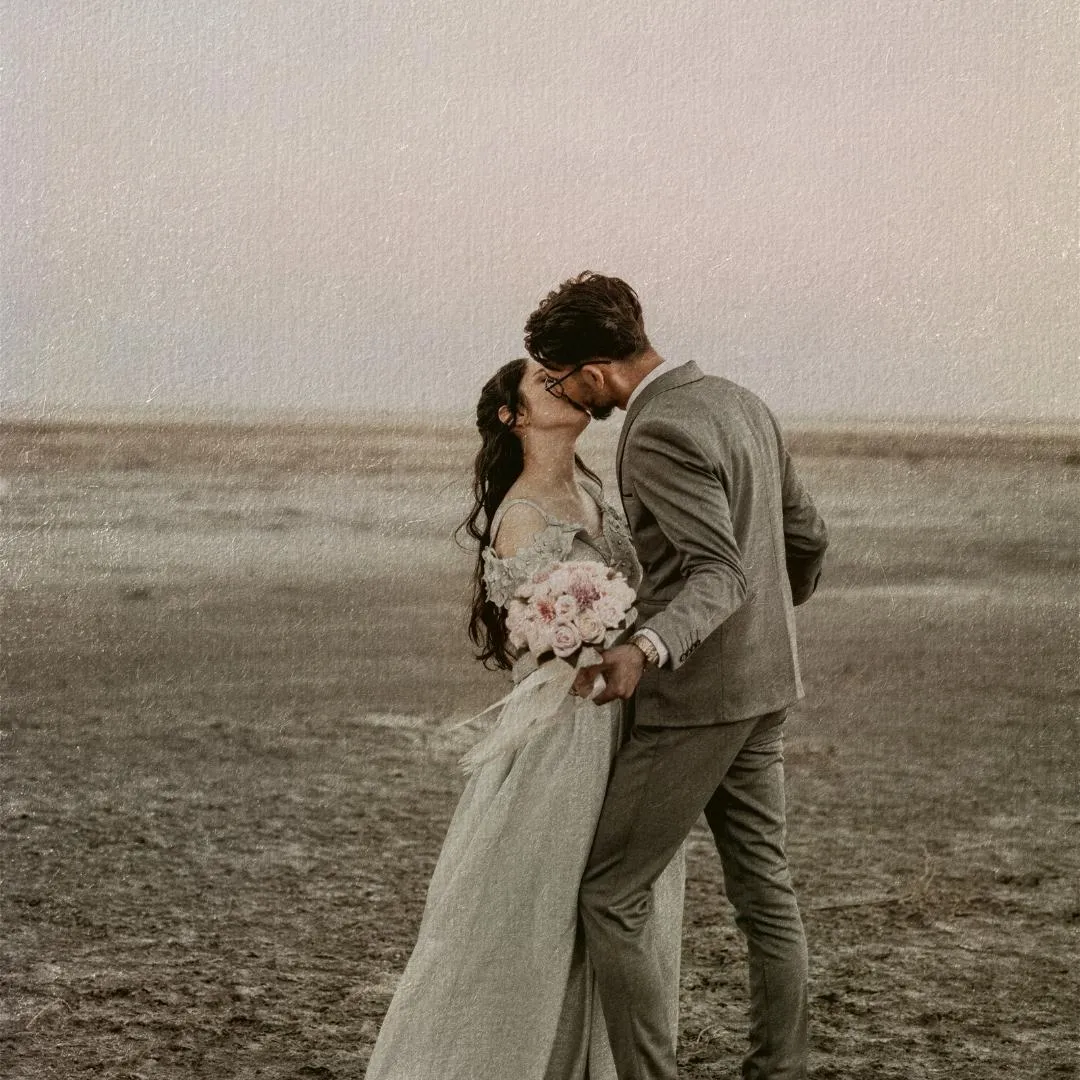
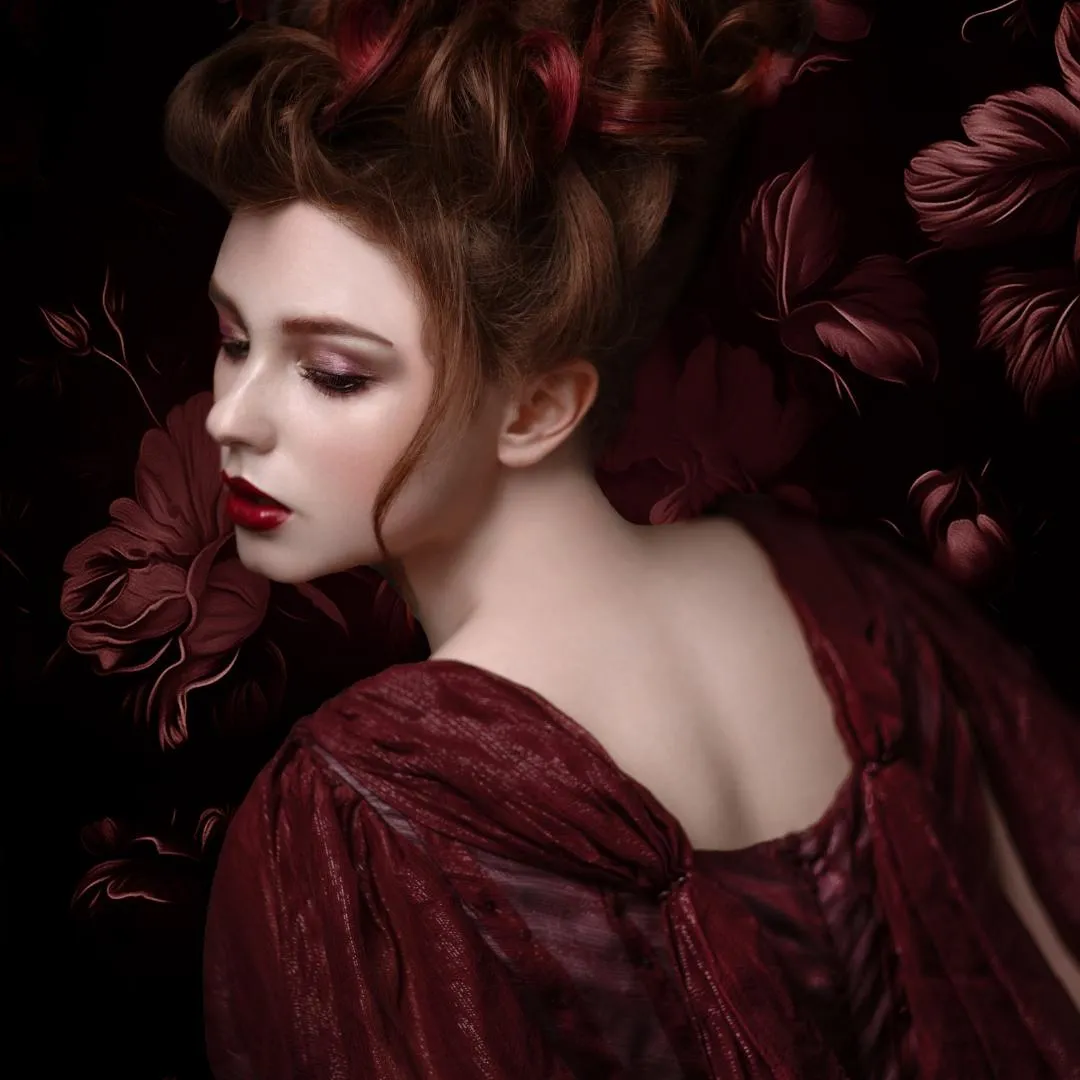
I use these exact digital textures in my own Photoshop editing workflow. I add textures to almost every fine art and portrait image I create.
~ Alana Lee
Bonus: 100 Free Photoshop Texture Overlays
Get 100 bonus textures with your purchase!
Digital Texture Set by Alana Lee
This digital texture collection contains 100 different textures, including concrete, wood, water, ice, stone, sand, hand painted canvas and more. This collection of digital texture overlays are perfect for use in Photoshop and were captured at various locations in camera by Alana Lee.

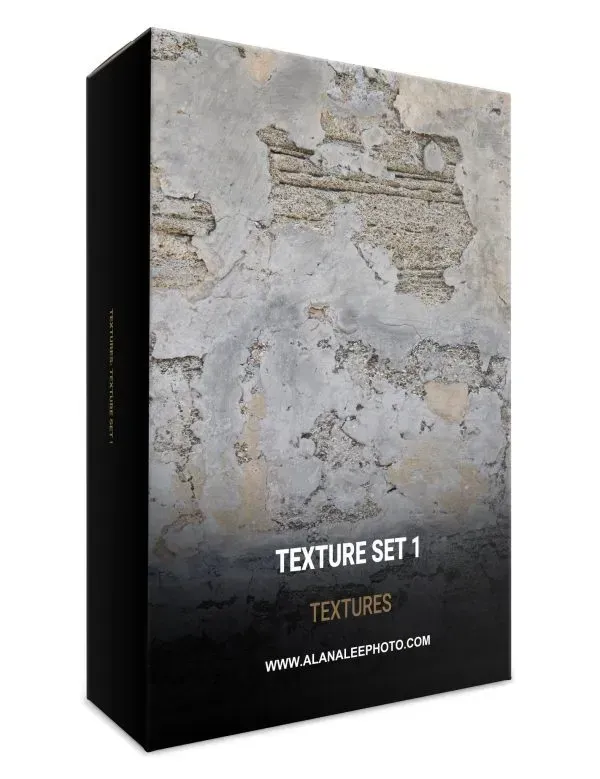
That's a TOTAL of 376 digital texture overlays!

Meet your instructor: Alana Lee
Hi, I’m Alana. When I was growing my photography business, I looked for ways to elevate my images and offer clients fine-art–inspired results that stood out. Texture overlays quickly became a core part of my Photoshop workflow.
I created these texture collections for my own work and now share them so other photographers can create expressive, high-quality images with confidence.
A step-by-step Photoshop tutorial is included to show you exactly how I use these textures in real projects.
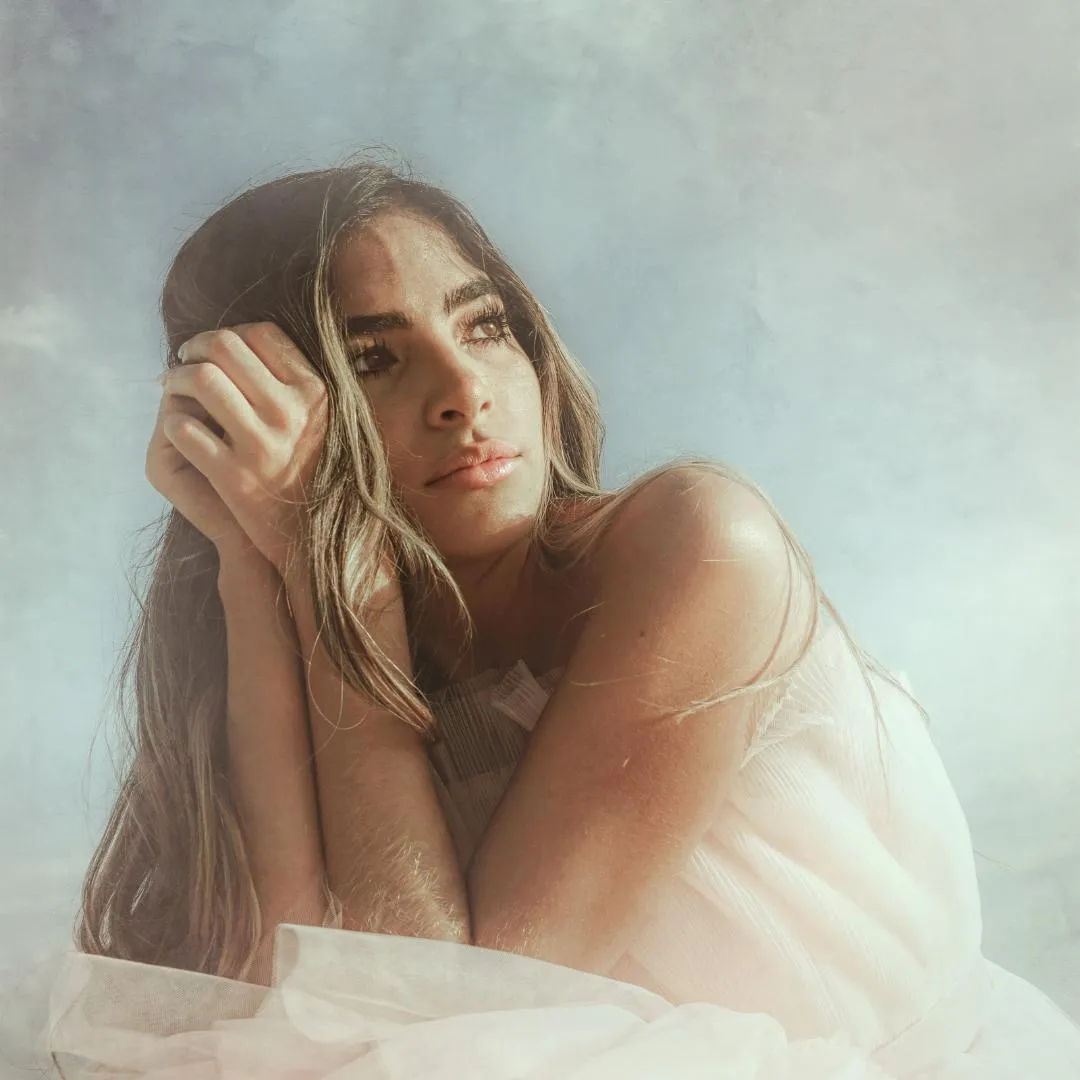
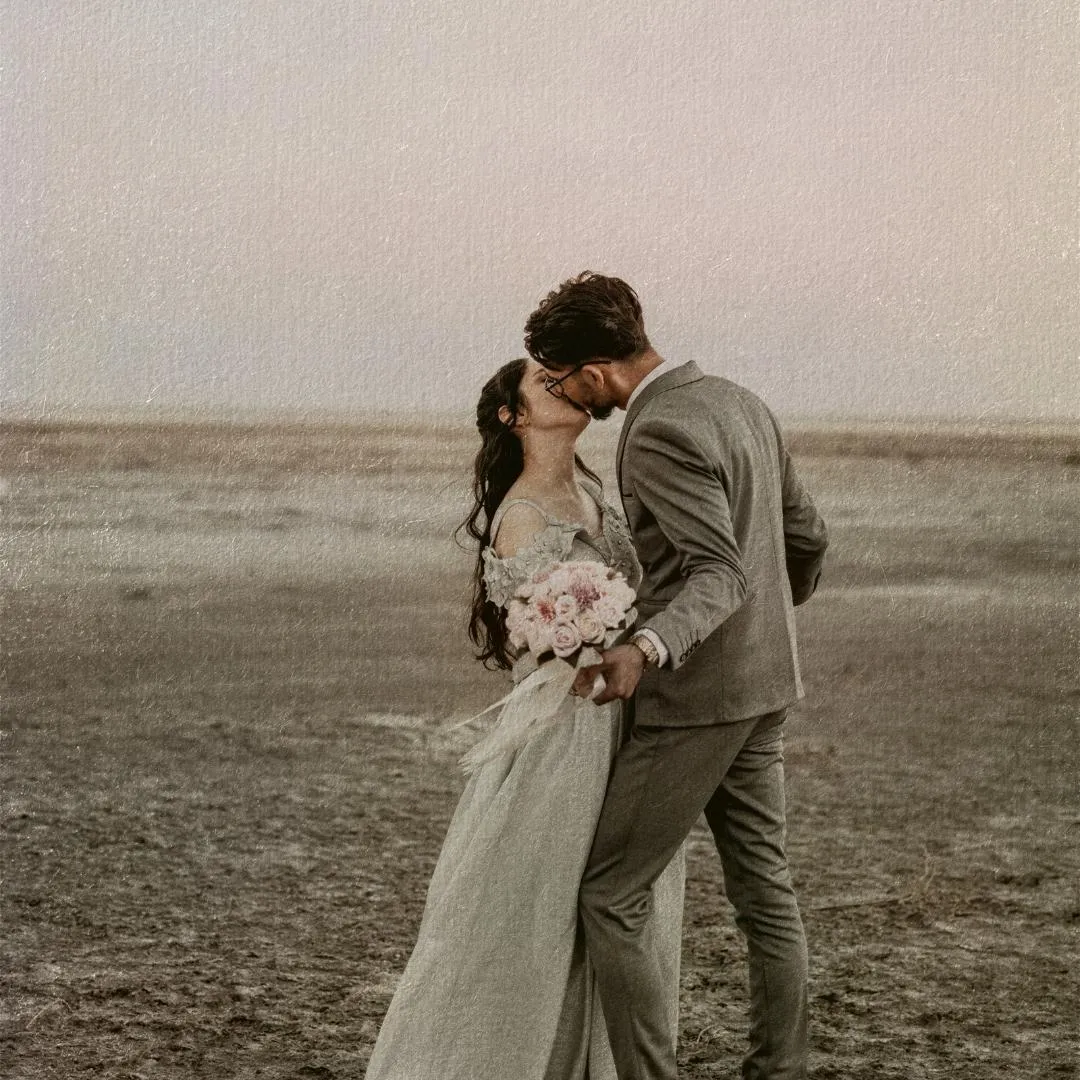
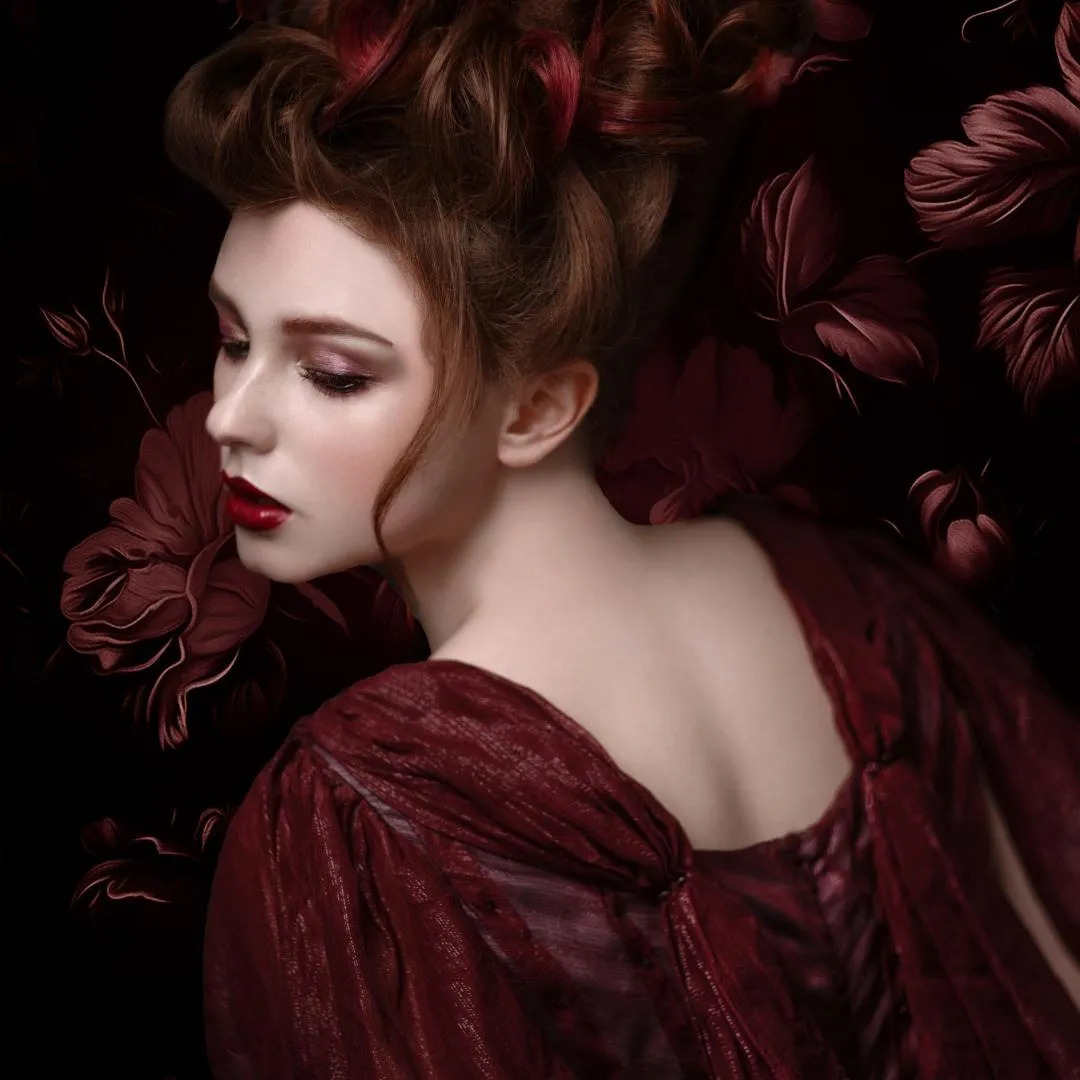
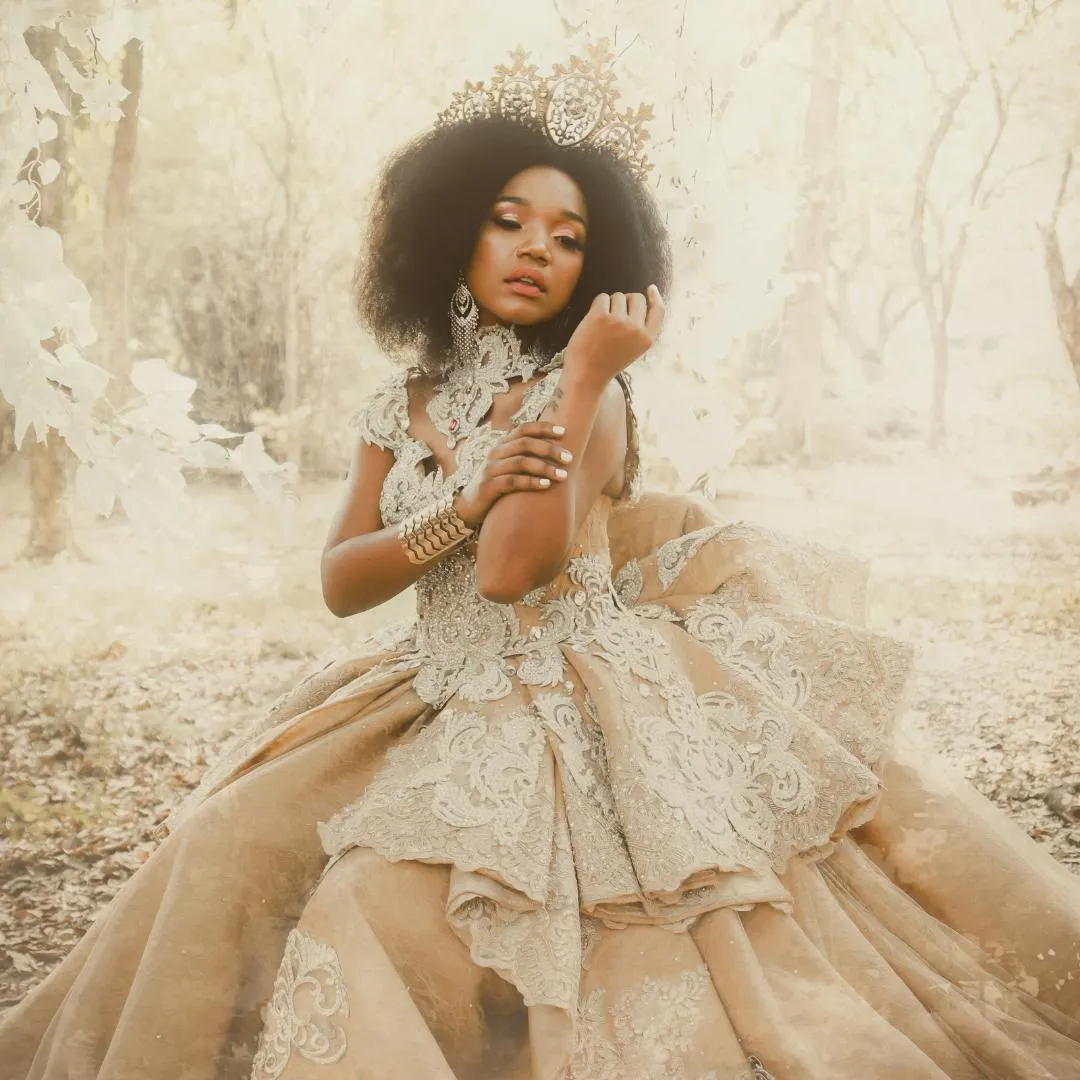
Examples of images edited with Photoshop texture overlays from this collection
Frequently Asked Questions
How long do I have access to the Photoshop Texture Overlay Collection?
You receive lifetime access to the Photoshop Texture Overlay Collection, including any future updates. We recommend downloading the files for backup. If the platform is ever discontinued, you’ll receive advance notice to archive your content.
How is this texture overlay collection delivered?
This is a digital product delivered by email after purchase. You’ll receive a download link for the texture files and access to the included Photoshop tutorial. No physical product is shipped.
What software do I need to use these Photoshop texture overlays?
These texture overlays are designed for Photoshop and work with layers, blend modes, and masks. They’re also compatible with other editing software that supports layers and blend modes, including Affinity Photo, Luminar, ON1, and Evoto.
Is this collection suitable for beginners?
Yes. While the textures are used by professional photographers, a step-by-step Photoshop video tutorial is included so beginners can follow along and achieve professional results. For more detailed instructions please see our course The Art of Texture: Creating and Editing Textured Photographs in Photoshop or read more about how to use digital textures and overlays on our blog.
What types of photography are these texture overlays best suited for?
These textures are ideal for fine art portraits, weddings, still life, landscapes, and creative photography projects where you want to add depth, mood, or a painterly finish.
Can I use these texture overlays for client work?
Yes. You can use these textures in your client work and final edited images. They are intended to support professional photography workflows.
What is the refund policy?
We offer a 14-day money-back guarantee. If the Photoshop Texture Overlay Collection isn’t the right fit within 14 days of purchase, contact us and we’ll issue a full refund.
Can I wait and purchase this later?
You can, but any current promotional pricing is limited-time. Once the offer ends, the price may increase.
If you want to master blending modes, fine art workflows, and advanced texture techniques, the Art of Texture Course guides you through every step. Alternatively, explore the Creative Photography Overlays Collection for light leaks, bokeh, flares, and artistic elements you can layer over any image. For more information about texture overlays and how to use them read the complete guide to using texture overlays in photography from The Imaginator Studio.
Get your Ultimate Photoshop Texture Overlay Collection today!


This site is not part of the Facebook/Instagram/Meta website or Meta Platforms Inc. Additionally, this site is not endorsed by Meta in any way. Facebook, Instagram and Meta are trademarked by Meta Platforms Inc.